
HandBrake (GUI) v1.0.7
Open source
Vista / Win10 / Win7 / Win8 / WinXP
Vista / Win10 / Win7 / Win8 / WinXP
HandBrake is an open-source, GPL-licensed, multiplatform, multithreaded DVD to MPEG-4 converter, available for MacOS X, Linux and Windows.
Supported sources:
Supported sources:
- Any DVD-like source: VIDEO_TS folder, DVD image or real DVD (encrypted or unencrypted, but protection methods other than CSS are not supported and must be handled externally with third-party software), and some .VOB and .TS files
- PAL or NTSC
- AC-3, DTS, LPCM or MPEG audio tracks
- File format: MP4, MKV, AVI or OGM
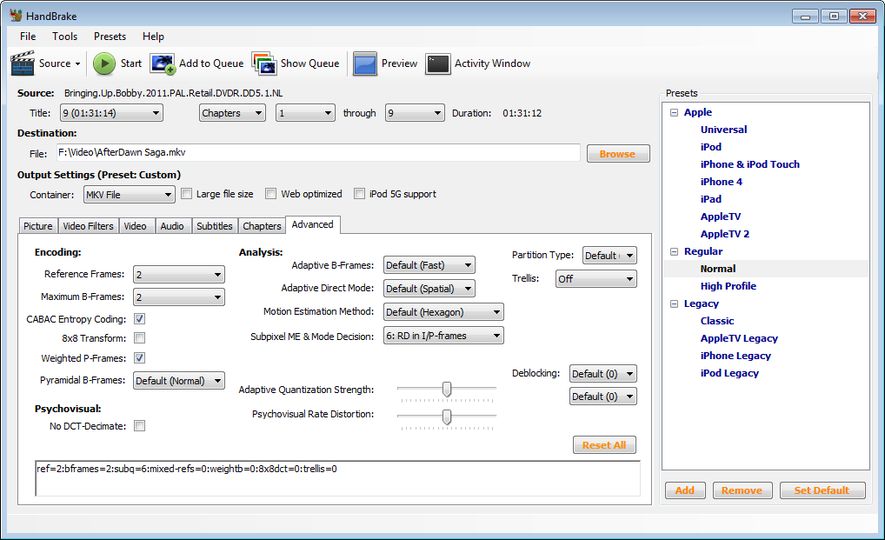
- Video: MPEG-4 or H.264 (1 or 2 passes or constant quantizer/rate encoding)
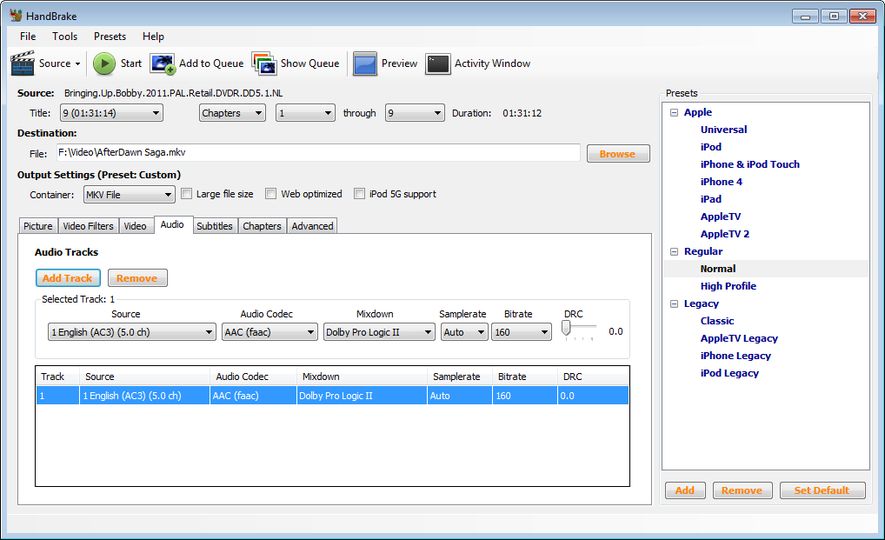
- Audio: AAC, MP3, Vorbis or AC-3 pass-through (supports encoding of several audio tracks)
- Chapter selection
- Basic subtitle support (burned into the picture)
- Integrated bitrate calculator
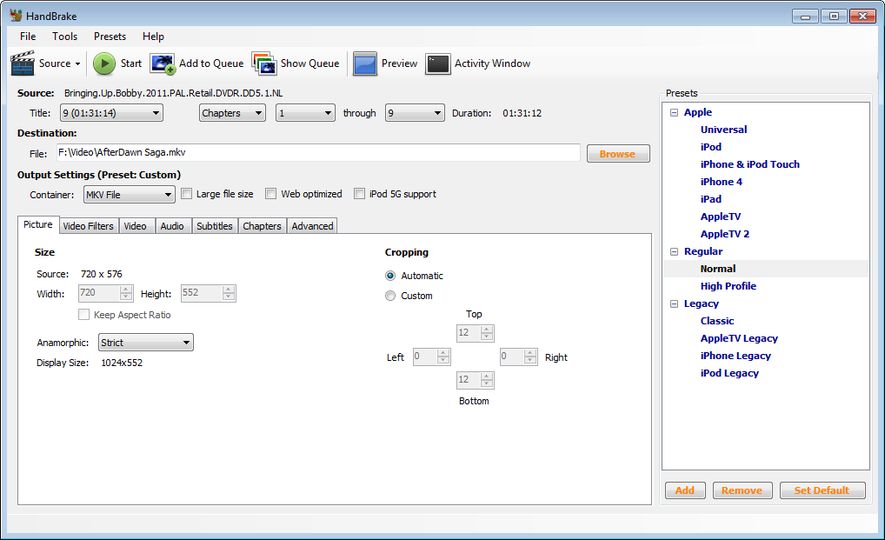
- Picture deinterlacing, cropping and scaling
- Grayscale encoding
Screenshots:
Other editions:
HTML code for linking to this page:
Keywords:
handbrake
converter
dvd
mpeg
mpeg4
mpeg-4
video_ts
License type
Open source1
Author's homepage
Visit the author's site
Date added
14 Apr 2017
Downloads
38,387
File size
9.62 MB
(< 2min @ 1Mbps)
Supported languages
English
Operating systems
Vista / Win10 / Win7 / Win8 / WinXP1
1License and operating system information is based on latest version of the software.
HandBrake (GUI) v1.0.7(Latest stable version) 14 Apr 2017
HandBrake (GUI) v1.0.3 26 Feb 2017
HandBrake (GUI) v1.0.2 22 Jan 2017
HandBrake (GUI) v1.0.1 31 Dec 2016
HandBrake (GUI) v0.10.5 22 Aug 2016
HandBrake (GUI) v0.10.3 23 Jan 2016
HandBrake (GUI) v0.10.2 Beta 1 31 May 2015
HandBrake (GUI) v0.10.1 08 Mar 2015
HandBrake (GUI) v0.10.1 Beta 1 14 Feb 2015
HandBrake (GUI) v0.10 23 Nov 2014
HandBrake (GUI) v0.10 RC 2 09 Nov 2014
HandBrake (GUI) v0.10 RC 1 26 Oct 2014
HandBrake (GUI) v0.9.9 18 May 2013
HandBrake (GUI) v0.9.9 Release Candidate 2 13 May 2013
HandBrake (GUI) v0.9.9 Release Preview 07 May 2013
HandBrake (GUI) v0.9.8 19 Jul 2012
HandBrake (GUI) v0.9.7 16 Jul 2012
HandBrake (GUI) v0.9.6 28 Feb 2012
HandBrake (GUI) v0.9.5 05 Jan 2011
HandBrake (GUI) v0.9.4 25 Nov 2009
HandBrake (GUI) v0.9.3 24 Nov 2008
HandBrake (GUI) v0.9.2 03 Apr 2008



There are a few useful choices for those who are moderately advanced in working with movie backups, but for me there are really only two that four important ones that Im interested which include: MKV container, 5:1 surround sound, subtitles, and chapters.
A onetime setback for those compressing to tight packaged containers has always been a lost of quality and extremely long re-encode times. This has not been proven an issue with handbrake which does little visual harm to the original with a choices to minimize it more with a larger file size, and its really quite fast. About 20 minutes on an overclocked Core2 Q9650.
Playback can be an issue if one is expecting to use typical DVD player such as PowerDVD, WinDVD and even ARcSofts TMT3 which Im currently using as my DVD/BD player. I also happen to have a copy of DiVx plus player and it works great with it including sifting through chapters. I suspect that other players such as VLC will also suffice, but I havent tried it yet.
In short, this is an excellent method of archiving small packaged movies using X264 which is free, and can arguably compete with or surpass the best commercial H264 encoders.