AfterDawn.com

Total Uninstall v5.9.3

Shareware
Vista / Win2k / Win7 / WinXP
Total Uninstall is a powerful installation monitor and advanced uninstaller.

Total Uninstall includes two working modes:
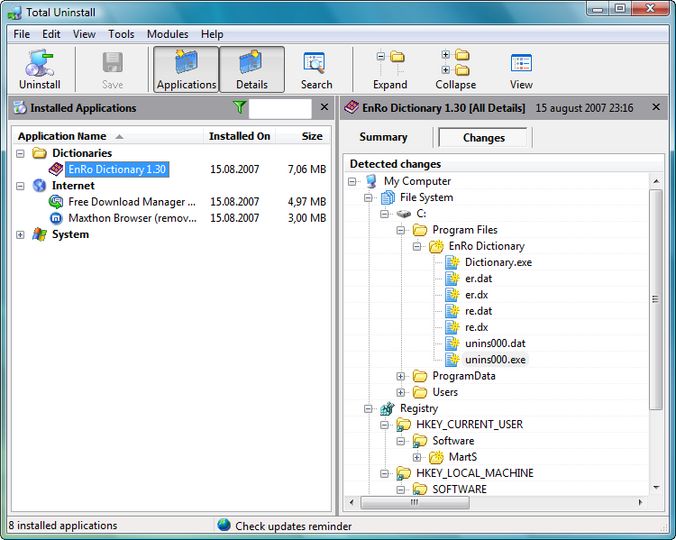
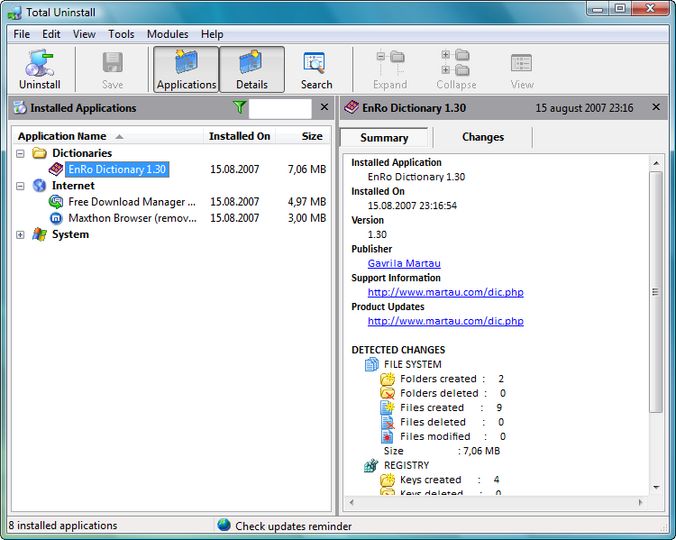
  • Installed Applications module analyze existing installations and create a log with installation changes. It is able to uninstall applications even without the help of supplied Add/Remove program.
    Just select from list the application that you want to uninstall and in a few seconds Total Uninstall will analyze it and will show in a tree view detected files, folders, registry keys and values of that application. You can review the details and remove some of the detected items. Total Uninstall is ready to uninstall the analyzed application. It will use first the supplied Add Remove program and will continue removing remaining items using the log.
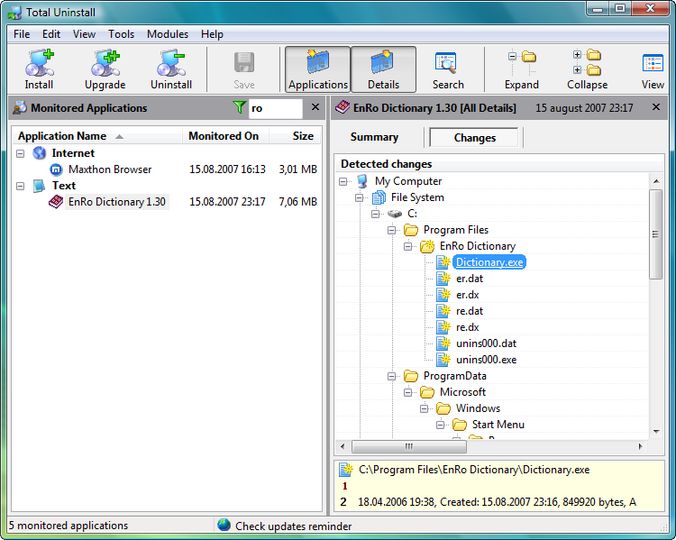
  • Monitored Applications module helps to monitor any changes made to your system during the installation of a new application. It allows you to perform a complete uninstall without having to rely on the supplied Add/Remove program which can leave files or changes behind.
    Total Uninstall creates a snapshot of your system prior to installing a new application. It then takes an additional snapshot after the installation has completed. It then compares the two snapshots and displays all changes in a graphical tree view, marking all registry values and/or files that have been added, changed or deleted. Total Uninstall saves these changes and if you decide to uninstall the application, it will reverse the changes to the previous state.


Screenshots:

Total Uninstall v4.9.3 Total Uninstall v4.9.3 Total Uninstall v4.9.3 Total Uninstall v4.9.3

Keywords:
total uninstall total uninstall uninstaller add/remove programs monitor

License type Shareware1
Author's homepage Visit the author's site
Date added 20 May 2012
Downloads 5,845
File size 6.07 MB (<1min @ 1Mbps)
Operating systems Vista / Win2k / Win7 / WinXP1

1License and operating system information is based on latest version of the software.

If you do not have an AfterDawn.com account yet, please enter your nickname and email address below. An activation link will be emailed to you.

If you already have an AfterDawn.com account, please login using the next tab.

Login by using your Afterdawn.com -username or your email address.

(No user ratings yet)

Subscribe to AfterDawn's weekly newsletter.