
H.264 High Profile L5.1 workaround -- H264Info
This section of the guide is not mandatory and applies only if you have obtained a H.264/AVC stream that you need to appear as Level 4.1 or below for Xbox 360. While making any such changes to an encoded video file is generally thought to be risky, many if not most of the H.264 streams you will get will not need the benefit of Level 5.1 when they are created. Even though the Xbox 360 more than likely could play back the file if you tried, the L5.1 setting results in a black screen. Here is a workaround.
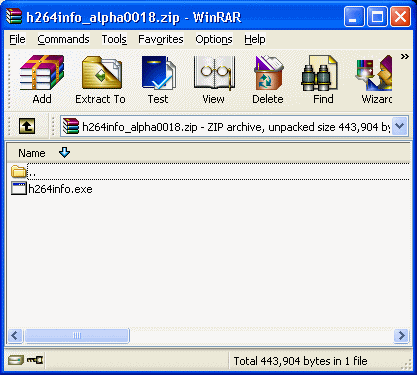 Download h264info, which is a ZIP file, and simply extract h264info.exe into any folder you want to using WinRAR.
Load original .h264 file
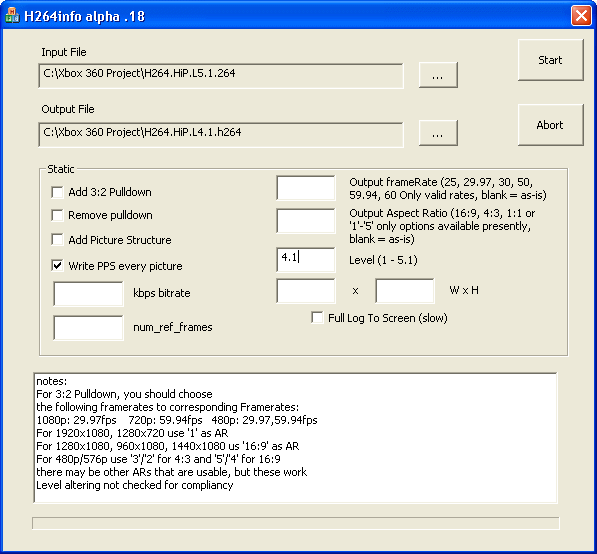 When you run h264info, you will see that its another very user-friendly interface. Simply click the ... button beside the Input File field and browse for your original .h264 file that you got from MKVExtractGUI. Once you have loaded it, click the ... button beside the Output File field and choose a place and filename to save a new .h264 file, this time, set as Level 4.1 instead of 5.1 (you probably should indicate that in your output filename like i did in my picture; click to enlarge.)
The only thing you probably need to do here (unless you feel you would benefit from setting the output framerate or aspect ratio here) is set the Level to 4.1, as I have in my picture. That is pretty much it. All that is left to do now is click Start.
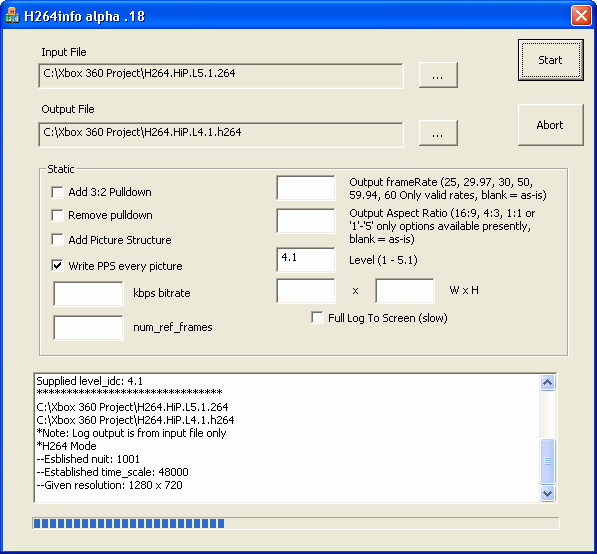 The amount of time this process will take depends on the h264 video you have as input and the speed of your computer.
Once done the video should now be compatible with the Xbox 360 (hopefully). If you were directed here while reading muxing instructions for YAMB/MP4Box, then click here to go right back.
Version History
v1.0 -- First on site -- Feb 12th, 2008 by Dela
Written by: James Delahunty


