Feedback
 
AfterDawn.com

Site update - March 16th 2010

AfterDawn.com has been updated! In addition to renewing the layout of the site we have also speeded up things considerably. The new version has been tested on our Finnish site for several months, and during the testing we have managed to improve the new version even further.

You can now enjoy this new layout at English AfterDawn.com and English Discussion Forums as well! We have also introduced new sections to the site, and re-arranged things a bit.

Read more about the update and let us know what you think!

Close this message

doPDF v7.1.330

Freeware
Vista / Win2k / WinXP

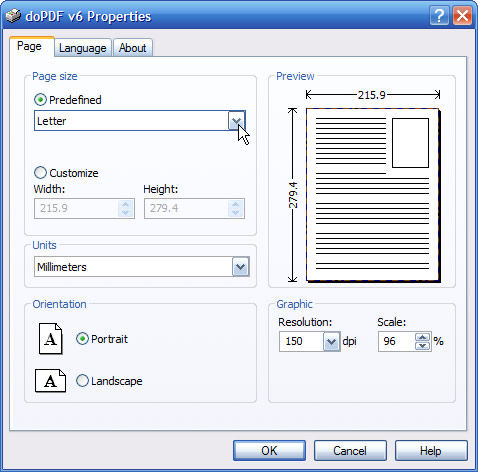
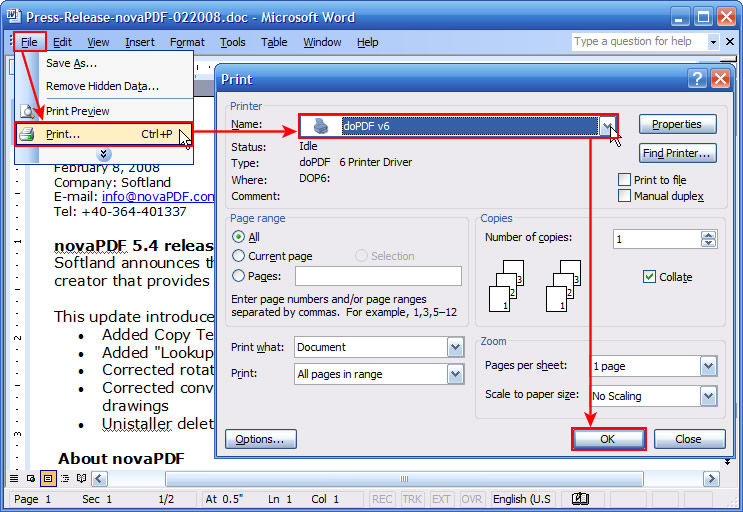
doPDF installs itself as a virtual PDF printer driver so after a successful installation will appear in your Printers and Faxes list. To create PDF files, you just have to print your documents to the doPDF free pdf converter. Open a document (with Microsoft Word, WordPad, NotePad or any other software), choose Print and select doPDF. It will ask you where to save the PDF file and when finished, the PDF file will be automatically opened in your default PDF viewer.

Screenshots:

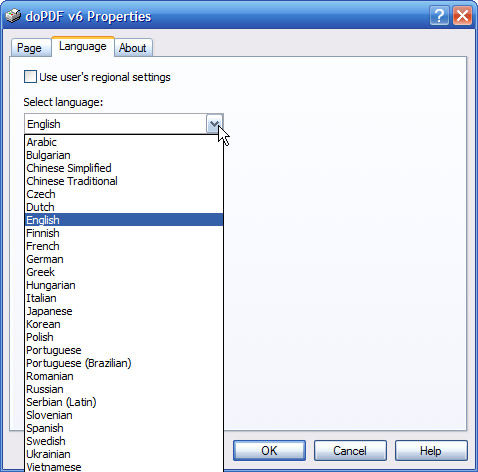
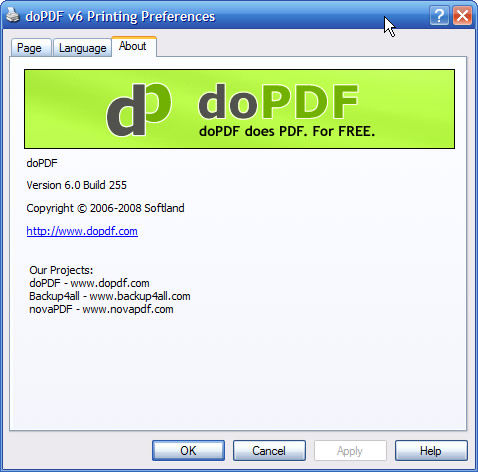
doPDF v6.1.265 doPDF v6.1.265 doPDF v6.1.265 doPDF v6.1.265

Share this

Keywords:
dopdf pdf converter document print driver convert

License type Freeware1
Author's homepage Visit the author's site
Date added 30 Aug 2007
Latest update 03 Mar 2010
Downloads 20,243
File size 4.29 MB (<1min @ 1Mbps)
Operating systems Vista / Win2k / WinXP1

1License and operating system information is based on latest version of the software.

If you do not have an AfterDawn.com account yet, please enter your nickname and email address below. An activation link will be emailed to you.

If you already have an AfterDawn.com account, please login using the next tab.


Login by using your Afterdawn.com -username or your email address.

DailyG Newbie
  doPDF v6.1.269

doPDF saved me from having to "snail mail" paper copies of transcripts when my MSWord file of transcripts proved to be too large for uploading to an on-line faculty application! I easily saved the MSWord to doPDF, making the size of the file small enough for uploading. I could not have afforded to purchase Adobe Acrobat, and unlike other PDF creators, doPDF is self-contained, not requiring the installation of Ghostwriter. A good, "no-frills" program!

28 Jul 2008