

iPhone Storage Almost Full? Here's how to free up some space
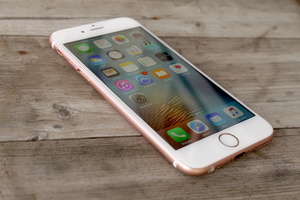 If you happen to own a 16 GB, or even a 32 GB, version of any iPhone or iPad, you are probably familiar with the Storage Almost Full notification. This might happen even as you are taking an all important photo, and it's something even Google has made fun of in its unlimited cloud storage ads.
So here are some ways you can make some room for new content on your iPhones and iPads.
Messages, media, and messaging apps
Apps like WhatsApp and Facebook Messenger, the two most popular ones around the globe, are used to share pictures and videos. This might over time fill your device's storage as they are saved for further use. However, you often don't need these files and there's a way to get rid of them.
You should head to Photos app and delete all unused pictures that are stored by apps. While you are at it, you might want to go through camera roll too, you might have tons of failed photos and dozens of same shot, both of which you probably never will use.
Even after deleting the bad ones storing photos in the cloud is a good way to free up space from your device.
The aforementioned Google Photos cloud service works also on iOS and offers unlimited storage for photos.
 Google has been backed by an adviser to the European Union's top court on where the Search provider would have to remove search results under the 'right to be forgotten.'
 Apple CEO Tim Cook has been blamed for not bringing in new hardware innovation that would reinvent Apple, like Steve Jobs did.




