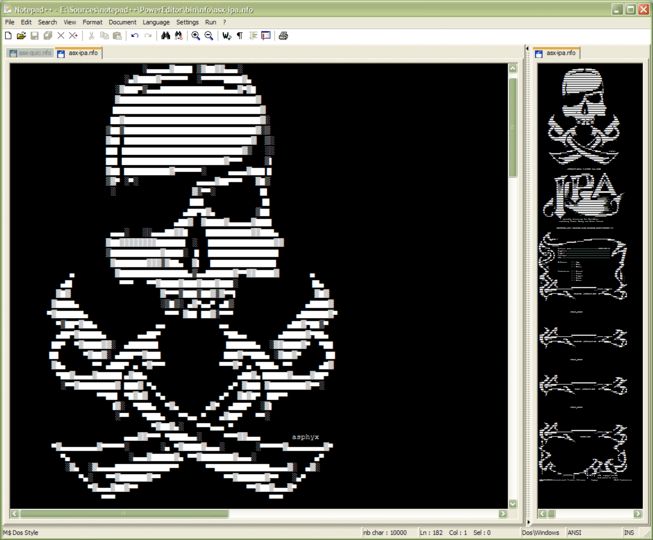
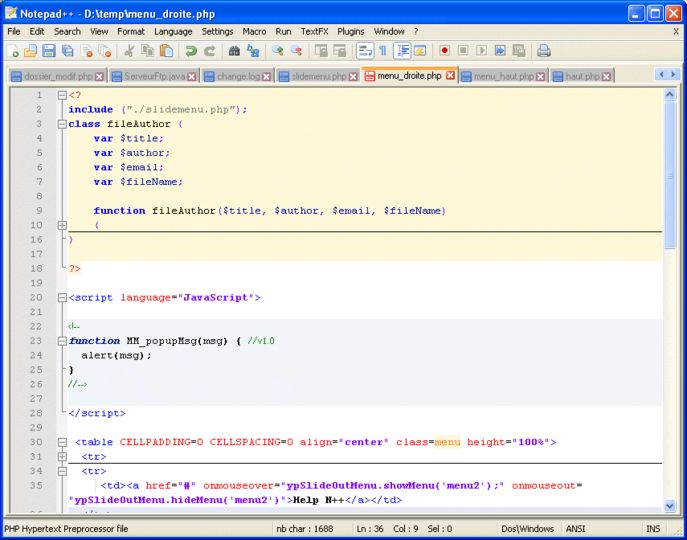
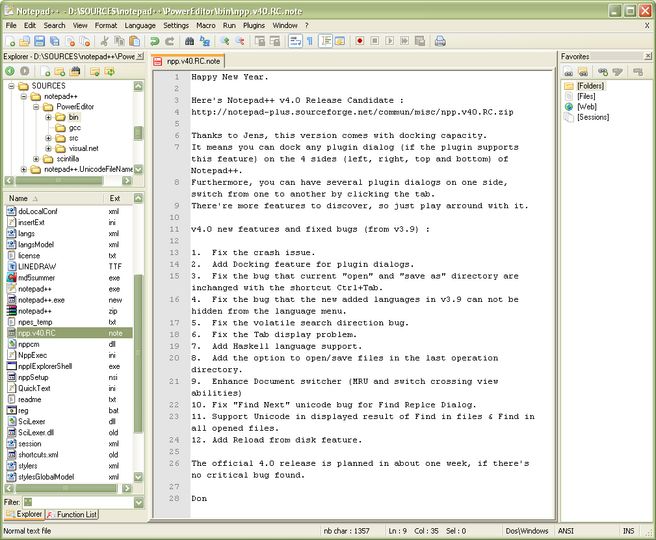
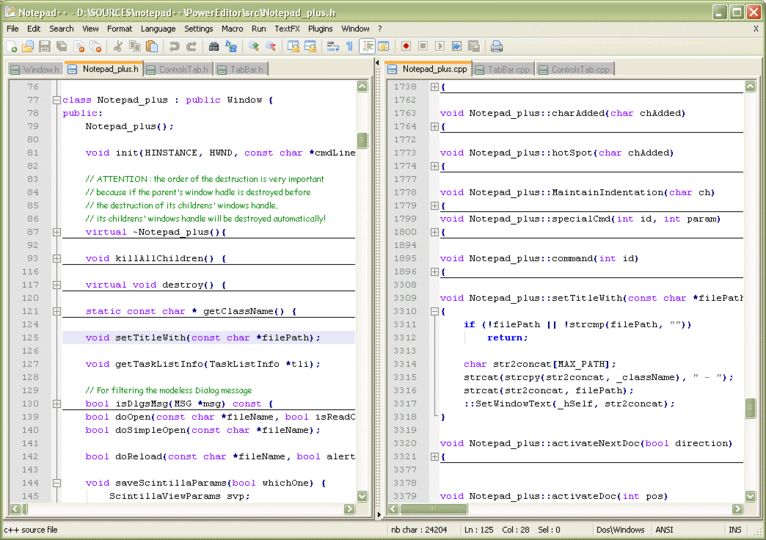
Notepad++ is a free source code editor which supports several programming languages running under the MS Windows environment. The supported languages by Notepad++ are: C, C++, Java, C#, XML, HTML, PHP, Javascript, RC file, makefile, nfo, doxygen, ini file, batch file, ASP, VB/VBS, SQL, Objective-C, CSS, Pascal, Perl, Python, Lua, Unix Shell Script, Fortran, NSIS and Flash action script.
Notepad++ main features include: Syntax Highlighting and Syntax Folding, User Language Define System, Regular Expression Search, WYSIWYG, Unicode support, Full Drag & Drop supported, Brace and Indent guideline Highlighting, 2 edits and synchronized view of the same document.
Notepad++ is based on Scintilla edit component are written in C++ with pure win32 api and STL, is under the GPL Licence.
I love this but it has no Vim mode. I compare it to Kate on KDE (Linux). You can get Kate for Windows (but it is a bit slow on Windows). If I want something like Kate on Windows, Notepad++ is probably the closest things and of course it has some features that Kate has and vice versa. I hardly use Windows nowadays but when I do I gotta have Notepad++ (hence why portable version is on my flash drive, but also gVim is). I hate IDEs so advanced text editors are for me.
22 Feb 2010
dangermse
Junior Member
Notepad++ v4.8.5
I started using Notepad++ a couple of months ago and I cant recommend it highly enough. Its a fantastic general purpose text file editor which supports syntax highlighting for most common progamming languages like c, c++, java, python etc. as well as common text formats like html and xml.
<br/>
<br/>Its got all the features which make a text editor really stand out like column selection, built in hex editor regex and many more. Some of the extensions allow things like delete blank lines, sort, total selected numbers just make things so much easier.
<br/>
<br/>Its a great addition to your set of software tools for anyone and the more you use it the better it gets.
<br/>
<br/>10/10
14 Apr 2008
dangermse
Junior Member
Notepad++ v4.8.5
I started using Notepad++ a couple of months ago and I cant recommend it highly enough. Its a fantastic general purpose text file editor which supports syntax highlighting for most common progamming languages like c, c++, java, python etc. as well as common text formats like html and xml.
<br/>
<br/>Its got all the features which make a text editor really stand out like column selection, built in hex editor regex and many more. Some of the extensions allow things like delete blank lines, sort, total selected numbers just make things so much easier.
<br/>
<br/>Its a great addition to your set of software tools for anyone and the more you use it the better it gets.
<br/>
<br/>10/10