Freeware
Vista / Win2k / Win7 / Win98 / WinME / WinXP
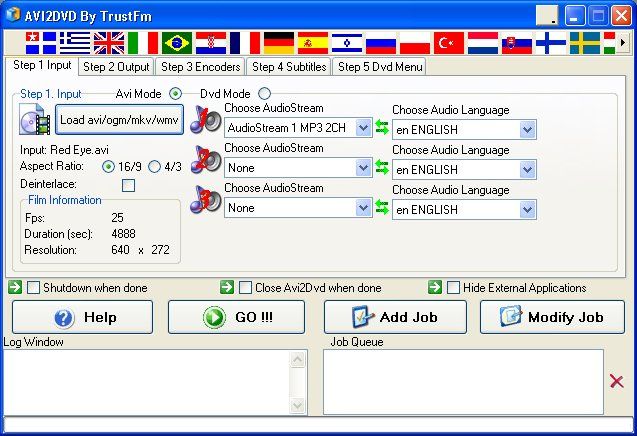
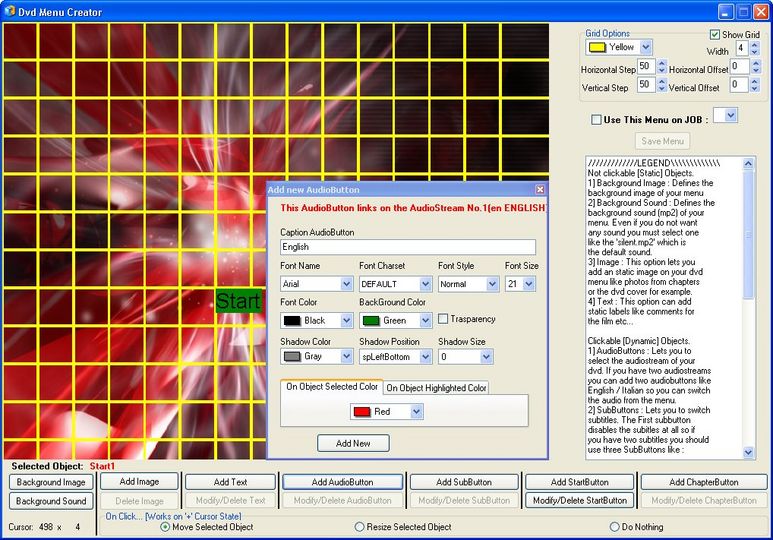
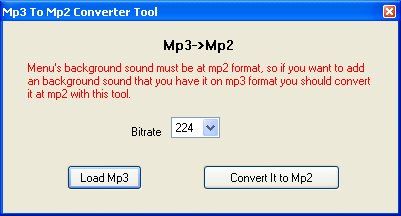
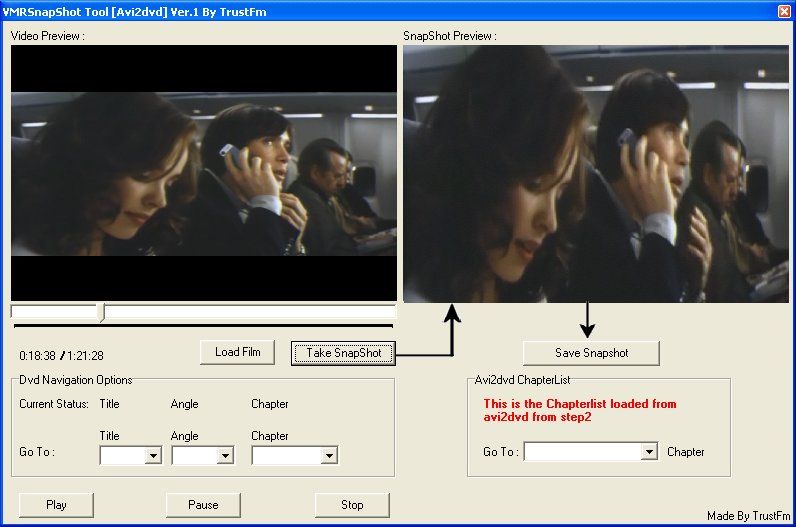
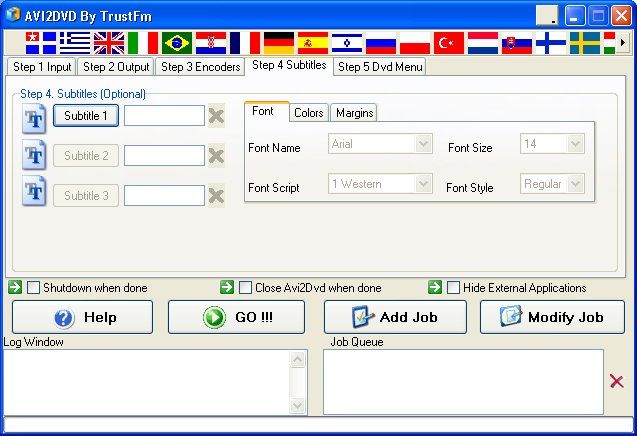
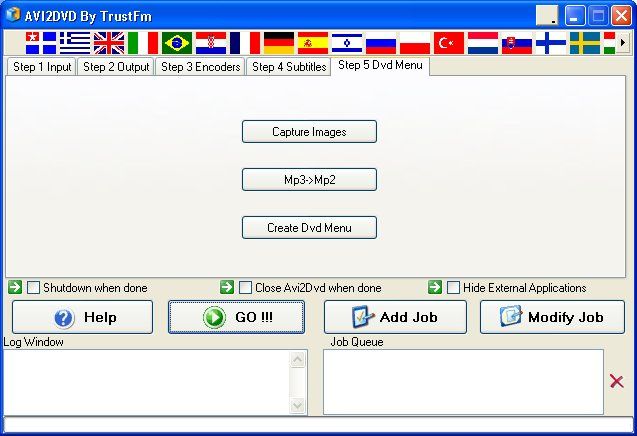
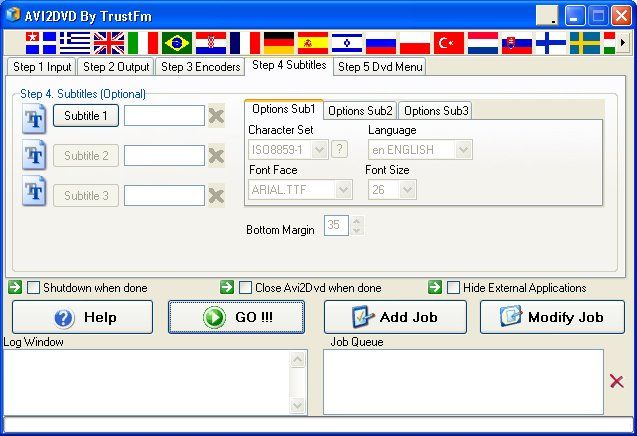
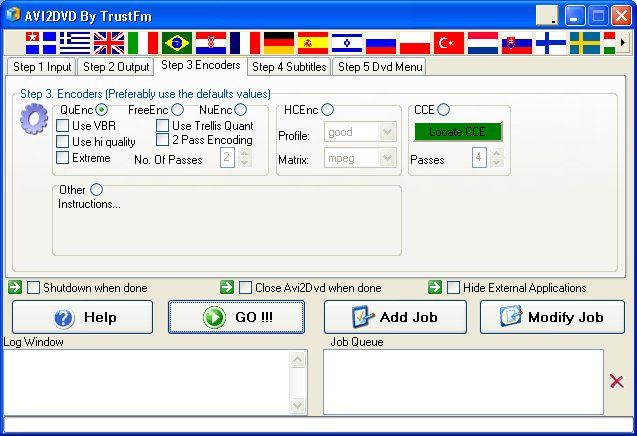
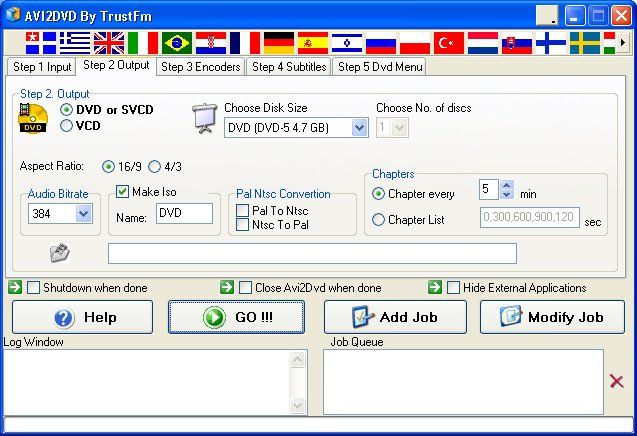
Avi2DVD is a GUI in order to convert with just few clicks an AVI/OGM/MKV/DVD to DVD/SVCD/VCD. Avi2dvd uses only freeware tools and can handle varius freeware enconders (QuEnc/FreeEnc/NuEnc) or CCE. Software supports 1 videostream, 1 audiostream and 3 subtitle streams (in a dvd mode).
Shareware
Vista / WinXP
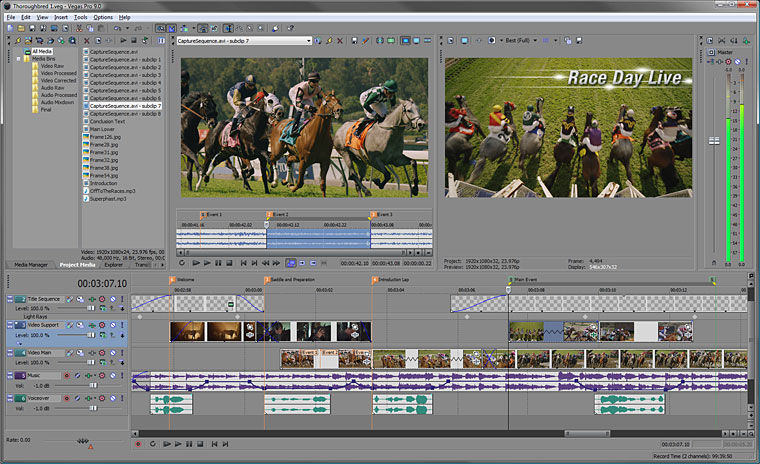
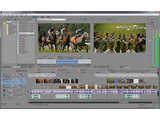
The Vegas Pro 9 collection integrates two powerful applications that work seamlessly together to provide an efficient and intuitive environment for video and broadcast professionals. This comprehensive suite offers the most robust and progressive platform available for content creation and production. With broad format support, superior effects processing, unparalleled audio support, and a full complement of editorial tools, the Vegas Pro 9 collection streamlines your workflow. From acquisition to delivery, from camera to Blu-ray Disc™, the Vegas Pro 9 collection delivers exactly what you need to produce outstanding results.
Freeware
Win10 / Win2k / Win7 / Win8 / Win95 / Win98 / WinME / WinNT / WinXP
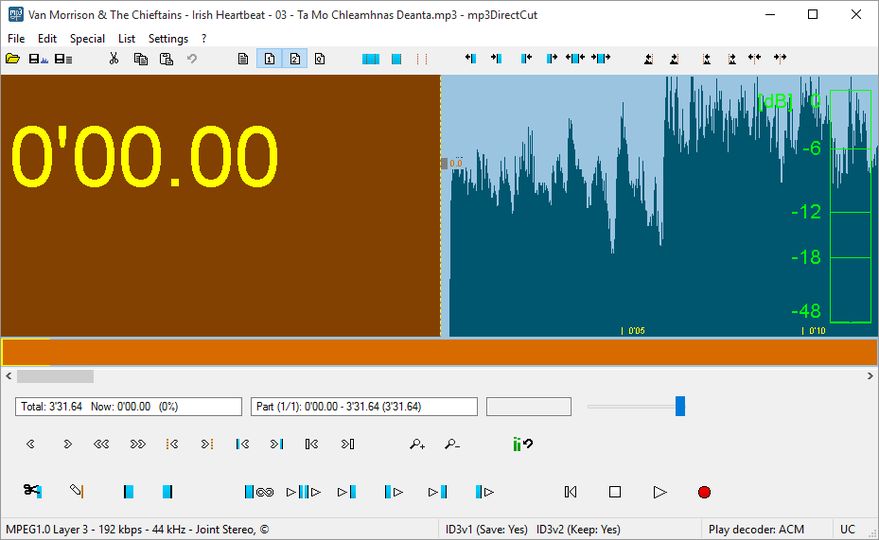
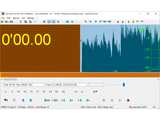
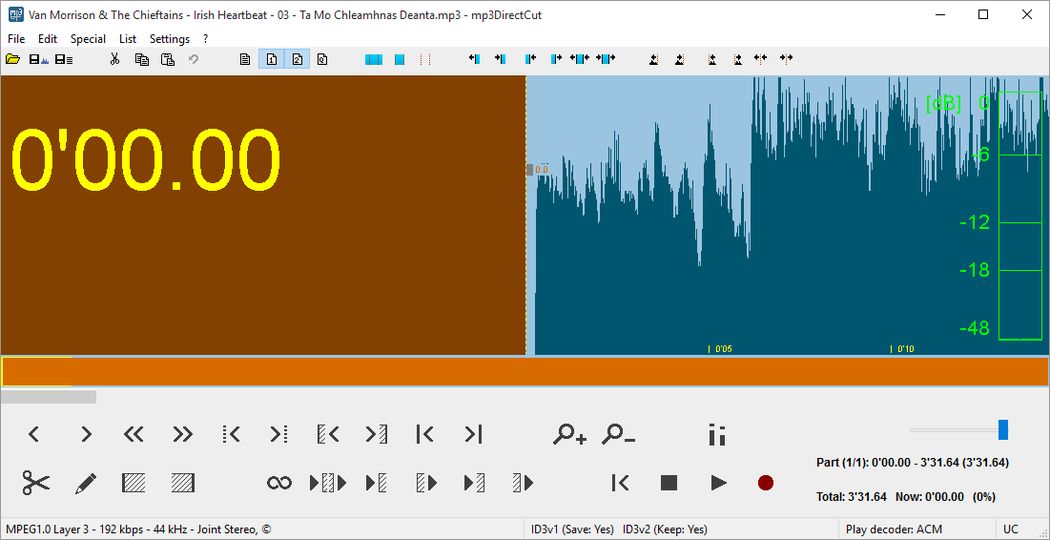
mp3DirectCut is a small tool for editing MP3 files directly, without any quality loss to the original file. You can remove parts, change the volume, split files or copy regions to several new files. All without the need to decompress your MP3 into a PCM format. This saves work, encoding time and disk space. And there is no quality loss through any re-compressions!
Trim your CD grabbings or directly to MP3 recorded vinyls or tapes. Cut favourit songs from long MP3 radio or live recordings. Make multiple cuts and fades. mp3DirectCut is very fast and gives you extensive control over your MP3s.
- Several prelisten functions
- MP3 visualisation and VU meter
- Easy navigation
- Fading, volume setting and normalizing
- Records MP3 direct to disk (ACM and Lame encoder supported)
- Layer 2 support
- ID3 Tag support (only v1 editable)
- Supports Cue Sheets
Ad-supported
Vista / Win10 / Win7 / Win8 / WinXP
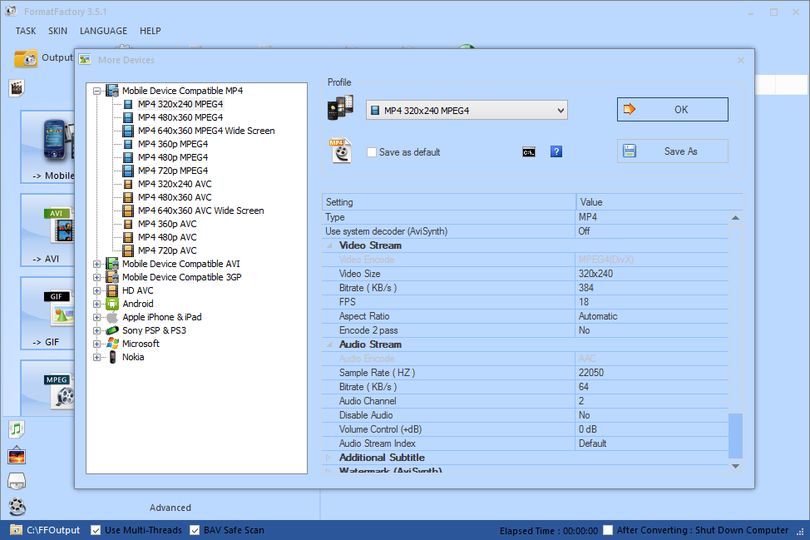
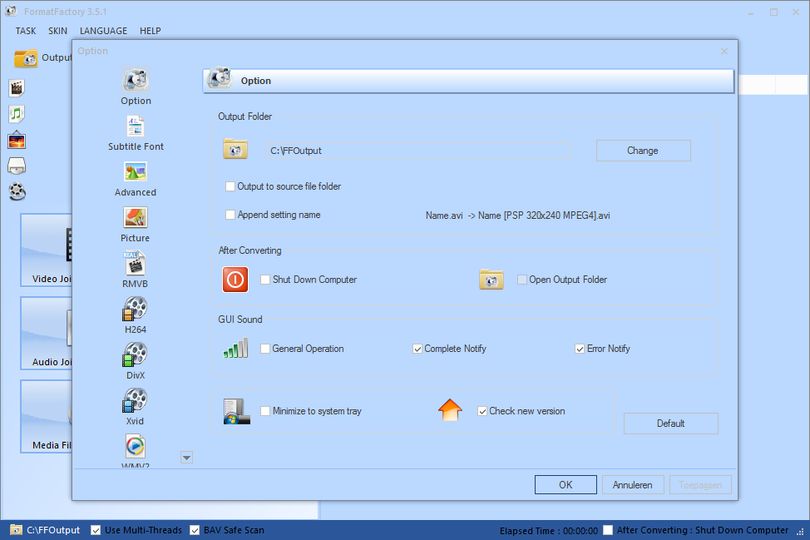
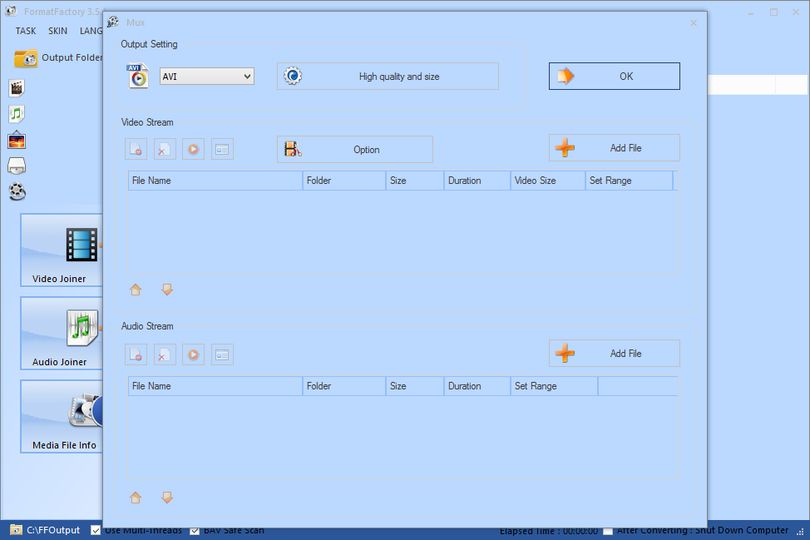
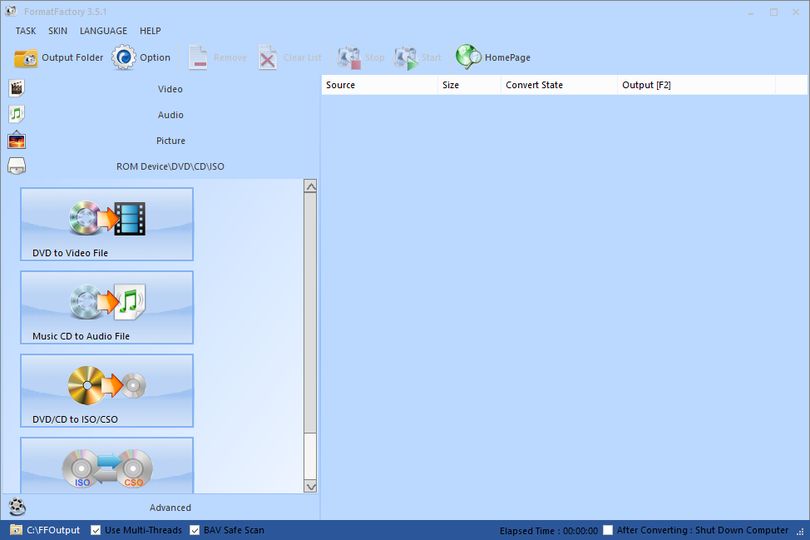
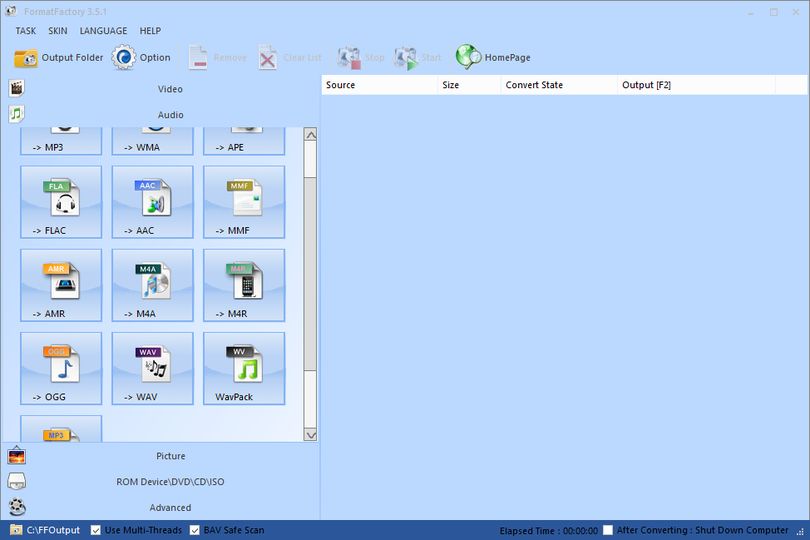
Format Factory is a multifunctional media converter.
Main features:
- support converting all popular video,audio,picture formats to others
- Repair damaged video and audio file
- Reducing Multimedia file size
- Support iphone,ipod multimedia file formats
- Picture converting supports Zoom,Rotate/Flip,tags
- Supports multiple languages
Ad-supported
Vista / Win10 / Win7 / Win8 / WinXP
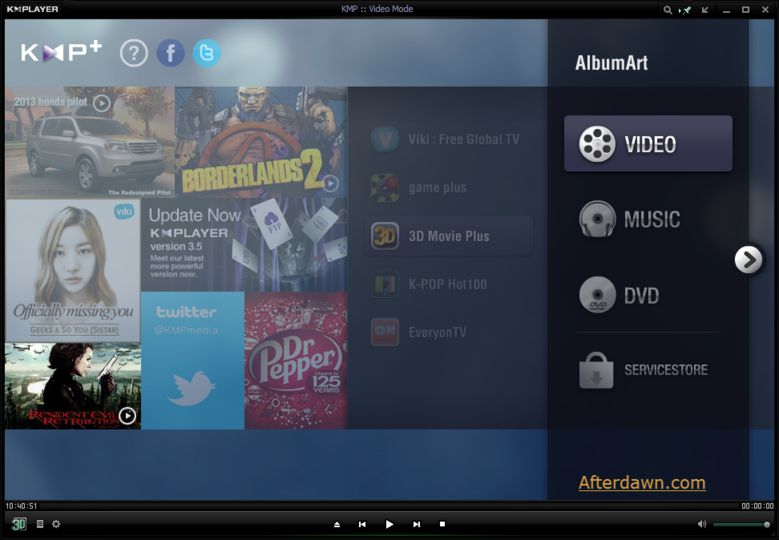
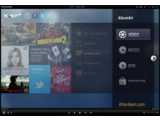
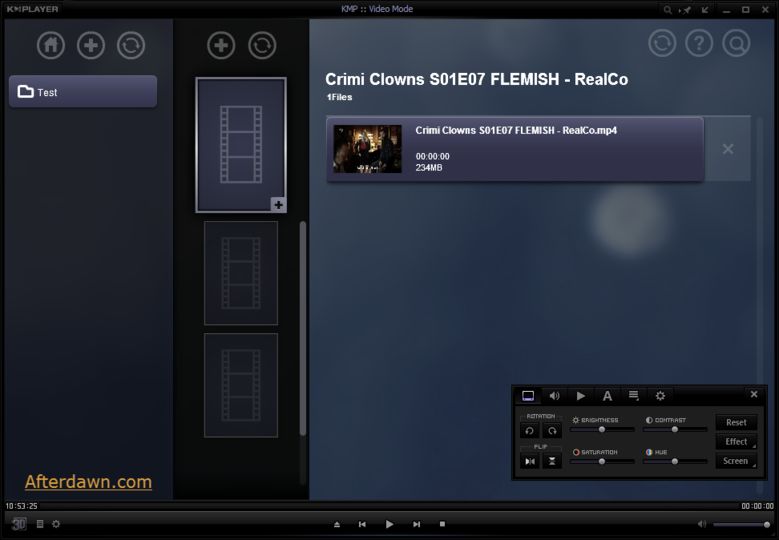
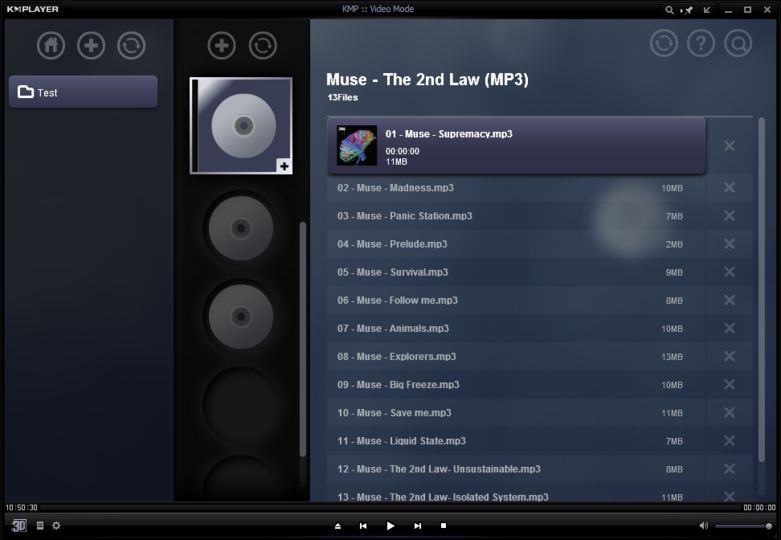
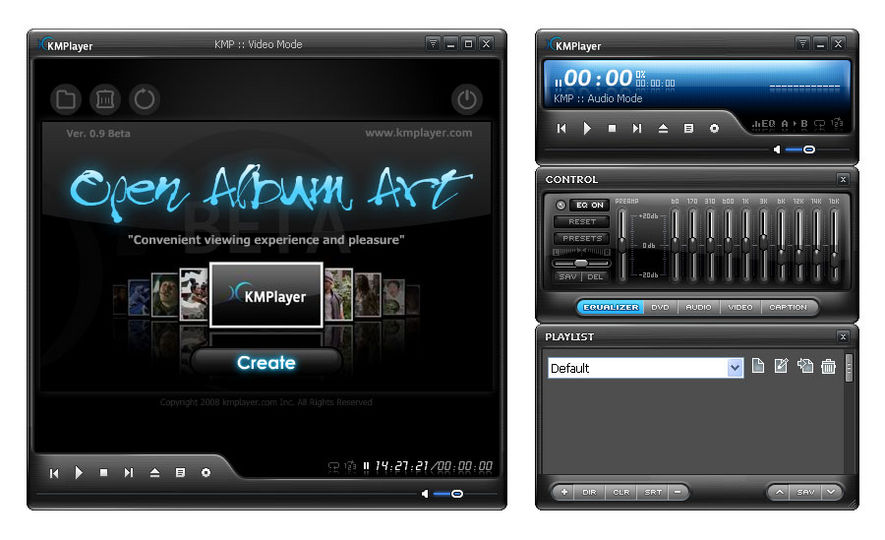
The KMPlayer is a versatile media player which can cover various types of container format such as VCD, DVD, AVI, MKV, Ogg Theora, OGM, 3GP, MPEG-1/2/4, WMV, RealMedia, and QuickTime among others.
Software handles a wide range of subtitles and allows you to capture audio, video, and screenshots in many ways.
The player provides both internal and external filters with a fully controlled environment in terms of connections to other splitters, decoders, audio/video transform filters and renderers without grappling with the DirectShow merit system. Internal filters are not registered to user's system to keep it from being messed up with system filters.
The KMPlayer includes almost all the essential decoders required for media playback. Furthermore, to get beyond the limitation of internal decoders, the external ones such as commercial h.264 decoders or cyberlink/intervideo audio decoders can be specified, so that KMP works optimally by the users' own customization. Even though the KMP is based upon directshow structure, it supports Winamp, Realmedia and Quicktime by the internal logic. Thus, it is possible to specify where to try to connect firstly the media in preferences.
In short, the player provides a strong hybrid structure efficient for interconnecting various directshow filters, winamp input&dsp plugin, and internal filters. The most outstanding feature is that the player has the full control of filter connections to prevent a media playback from being messed.
The player can set multifarious audio and video effects, slow down or increase playback speed with regular tone, select parts of a video as favorites, do an exceptionally powerful A-B repeat, remap the keys of remote interface for HTPC including overlay screen controls, change a skin dynamically depending on a media type playing, and many more. It is completely customizable thanks to a wide selection of skins and color schemes, and the configuration options are extremely extensive.
Open source
Win2k / Win7 / Win95 / Win98 / WinME / WinNT / WinXP
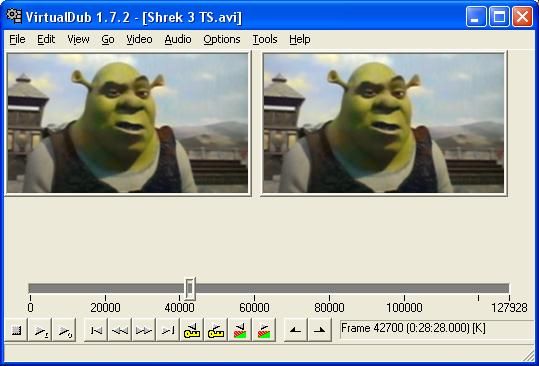
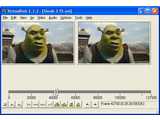
VirtualDub is an extremely efficient video capture and processing program. Applications of it are almost unlimited.
You can use it to, for example, compress an MJPEG AVI file to MPEG-4 video with MP3 audio, capture video without worrying about the 2GB barrier, or just multiplex audio and video into a single AVI stream.
A must-have piece of software for everyone! Upgrade is recommended to users of previous versions.
VirtualDub is free, copylefted software, with full source code available for use in GNU GPL programs.
Please notice that due to pressure from Microsoft corporation ASF support had to be removed from this version. Support is still present in version 1.3c.
Freeware
Vista / Win10 / Win7 / Win8 / WinXP
K-Lite Codec Pack Full is a free software bundle which contains everything you need to play the most popular audio and video formats. It also has a encoding support for some of the formats.
Bundle includes following software:
Media Player Classic
DivX Pro
XviD
Windows Media 9 VCM
Windows Media
On2 VP3
On2 VP6 [Decoding]
On2 VP6 [Encoding]
Ligos Indeo XP
Intel Indeo
Intel I.263
huffyuv
MS MPEG-4
DivX ;) MPEG-4 Low and Fast motion
Cyberlink DVD decoder
Elecard MPEG-2 demuxer
MainConcept MPEG-2 demuxer
Ligos MPEG-2 decoder
Cyberlink MPEG-2 decoder
MainConcept MPEG-2 decoder
Fraunhofer MP3 DirectShow decoder
WMA DirectShow decoder
AC3 DirectShow decoder
AC3 ACM decoder
Ogg Vorbis DirectShow decoder (CoreVorbis)
AAC DirectShow decoder (CoreAAC)
3ivX Pro
Nero Digital MPEG-1/2 decoder
MusePack DirectShow decoder
Voxware DirectShow decoder
Monkey's Audio DirectShow decoder
DivX ;) Audio
LAME MP3 Encoder
Ogg DirectShow splitter
Matroska DirectShow splitter
Matroska DirectShow muxer
DirectVobSub (vsfilter)
Matrix Mixer
SHOUTcast Source
Morgan Multimedia Stream Switcher
DivX Anti-Freeze
GSpot Codec Information Appliance
FourCC Changer
Bitrate Calculator
|
More user recommended software titles
|