

Microsoft: Windows 10 Mobile is dead, switch to Android or iPhone
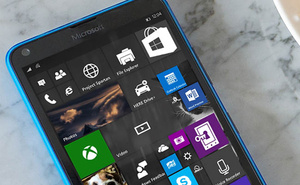 Microsoft has finally said out loud what everyone else knew already: Windows 10 Mobile operating system is dead.
Company tells in its support pages that the support for last remaining Windows-based mobile phone operating system, Windows 10 Mobile, will cease on 10th of December, 2019. After that point, there wont be any security updates or patches to the operating system.
Microsoft also tells that those still using the Windows phones should switch to either Android or iPhone before the said date.
Company itself has already moved on, having ceased the active development of the Windows Mobile back in October, 2017. Since then, Microsoft has released tons of apps for both, Android and iOS, with great success. Both, Microsoft Word and Microsoft Excel, both have been downloaded more than 500 million times on Google Play.
According to Microsoft, existing customers can continue to use their phones even after the December deadline, but with caution, as the security problems wont be patched anymore. It is unclear whether the app store for Windows Mobile stays online after the deadline.
 Netflix has revealed new financials and other statistics during their fourth quarter earnings report, and by the looks of it Reed Hastings can continue smiling.
 Late last year European Parliament




